
Sell and buy
Sales, purchases, quotations and returns with line items and barcode lookup, quick POS checkout, and invoice PDFs you can view, share or email.
Mobile app
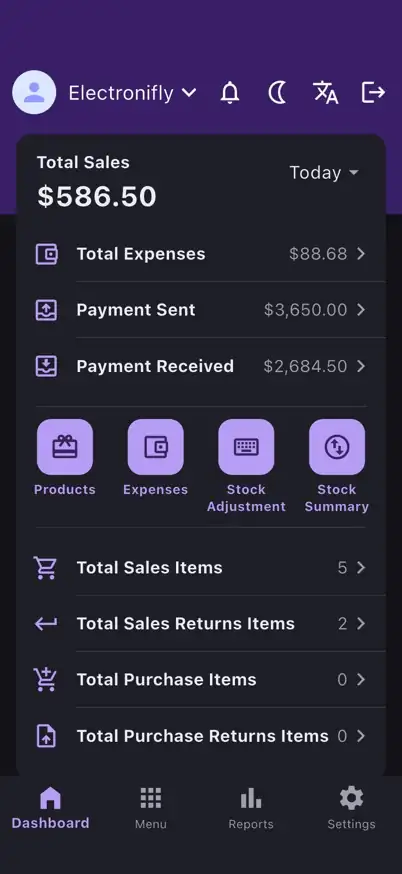
The companion app puts sales, quick checkout, payments, expenses, stock alerts, reports and team tools in your pocket, on the same account and data as the web app.
Store listings are not published yet. The badges turn into download links as soon as they are.
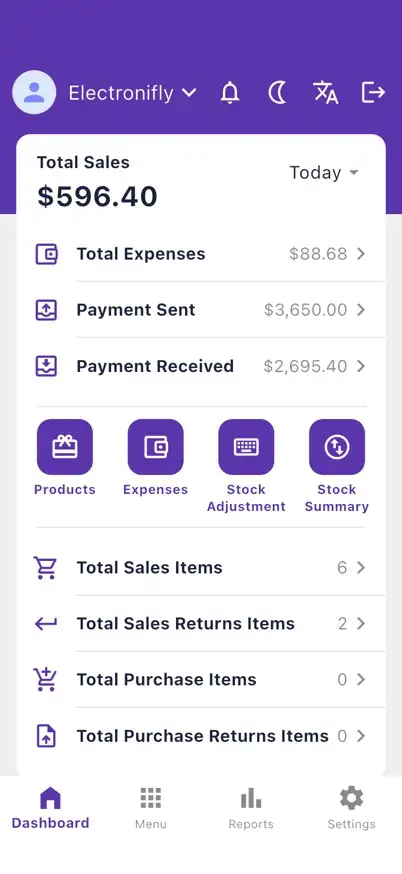
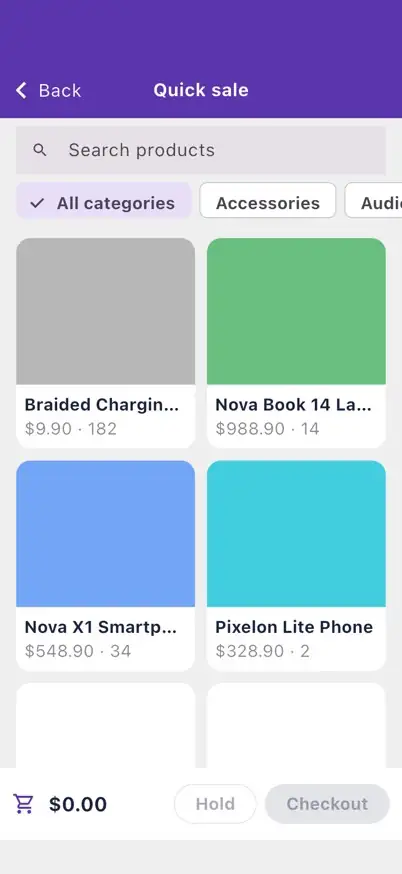
Sell faster: create sales, purchases and quotations, take a quick sale at the POS, and view, share or email invoice PDFs.
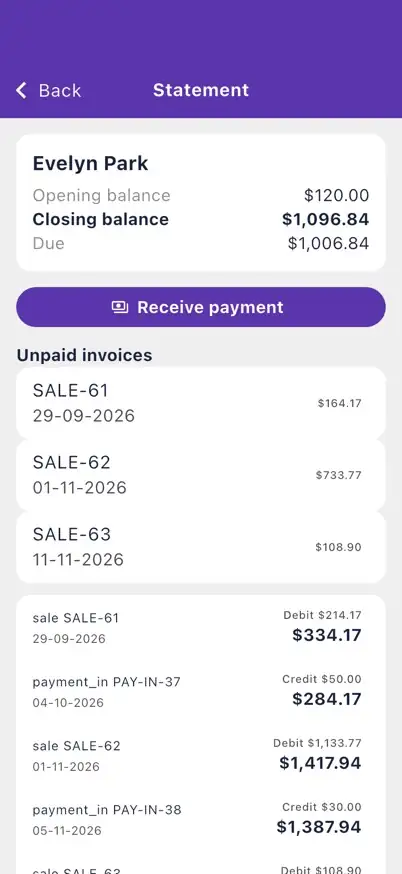
Record payments in and out, receive payment from a customer statement, and track expenses.
Manage products, customers and suppliers, with barcode lookup when you add order lines.
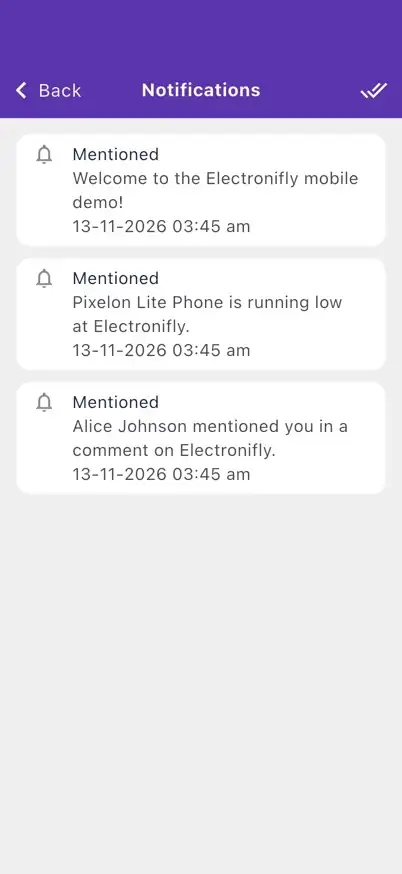
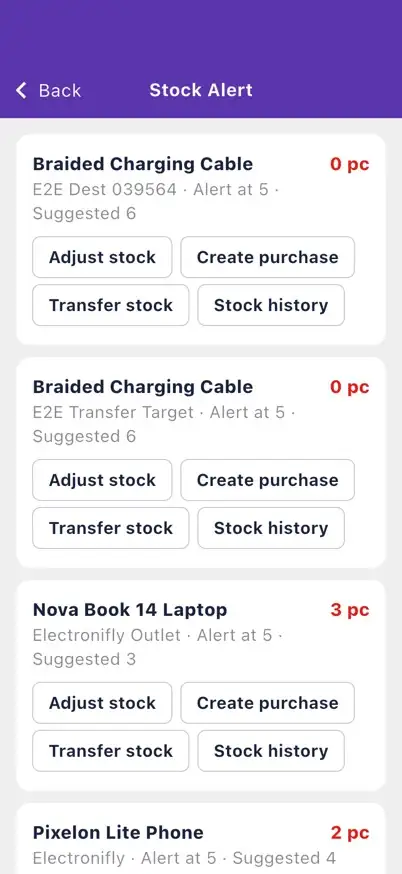
Act on stock alerts with adjust, purchase and transfer shortcuts, and follow updates in the notifications center.
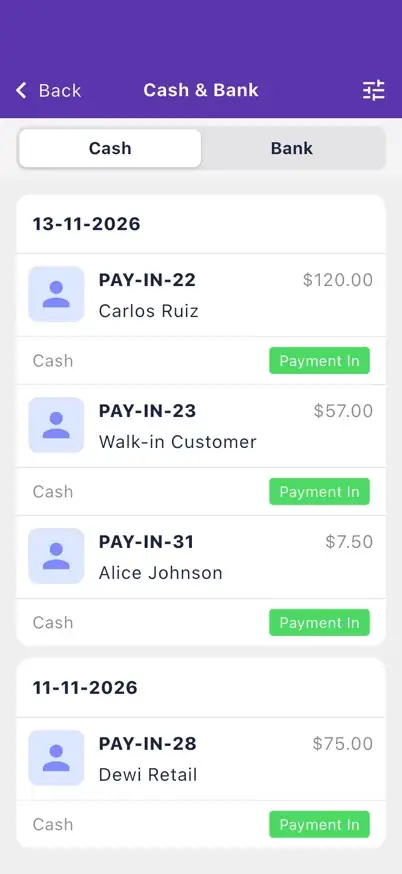
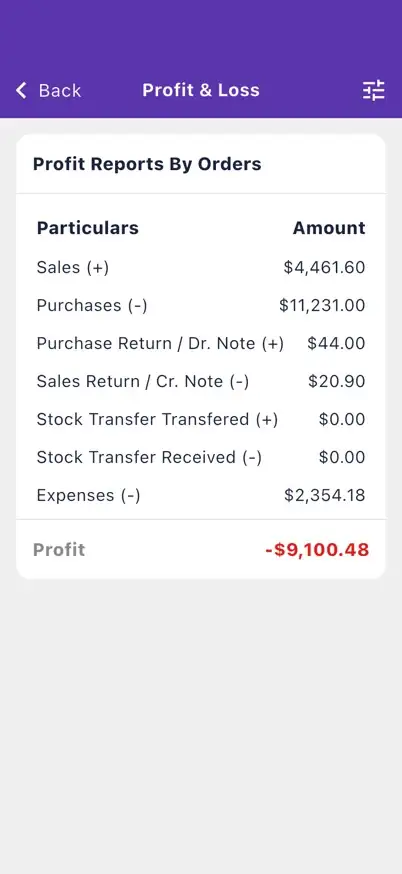
Open reports on the go, including profit and loss and cash and bank balances.
Work across warehouses with role permissions, in English or Spanish, with a dark mode.
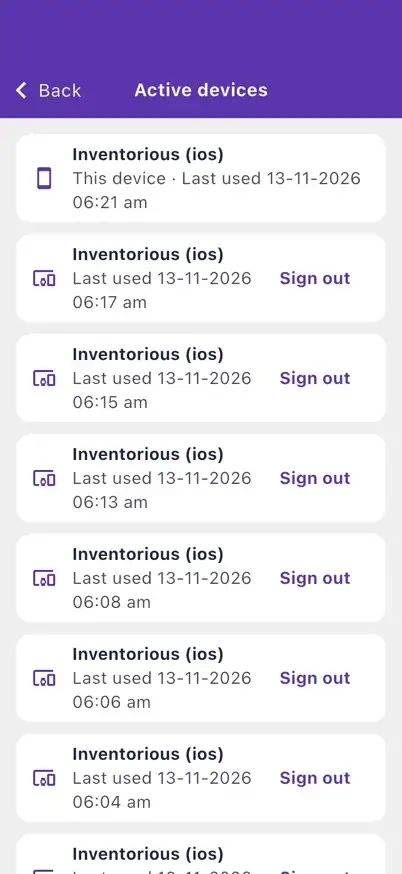
Stay in control: optional biometric lock, two-factor authentication you can enable in the app, and a list of signed-in devices you can sign out.
Screenshots from the app running on an iPhone with demo data.
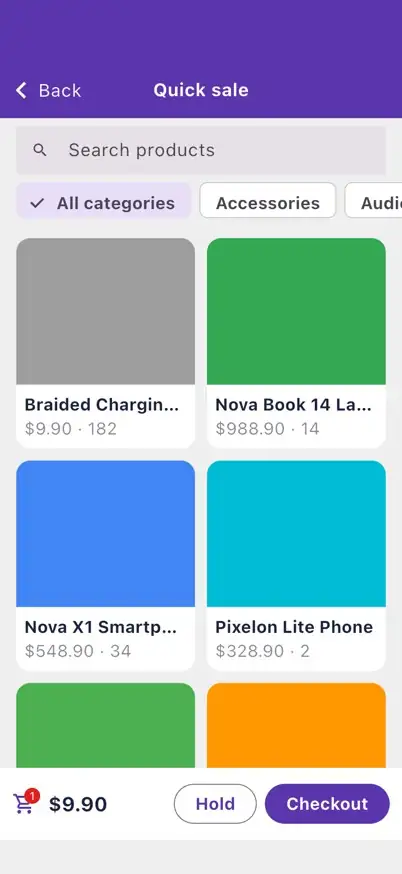
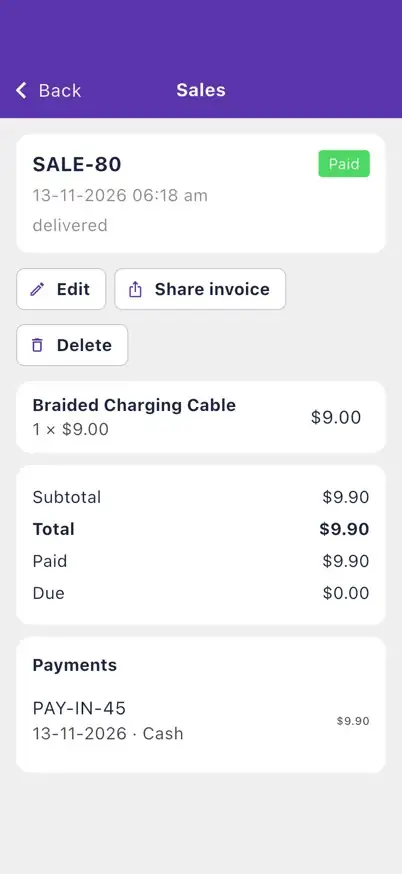

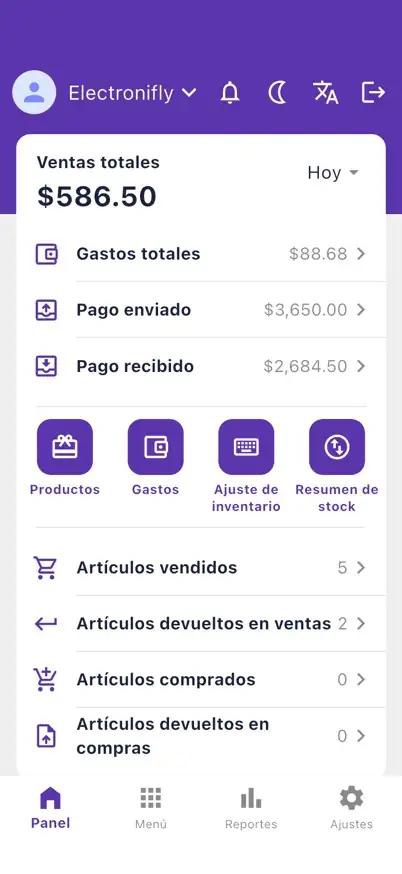
Sales, purchases, quotations and returns with line items and barcode lookup, quick POS checkout, and invoice PDFs you can view, share or email.
Payments received and sent with payment modes, expenses with categories, customer and supplier statements, and the cash and bank report.
Products, brands, categories, units, taxes, customers, suppliers and staff members, with search and filters, plus product import from CSV or XLSX files.
Stock alerts with adjust, purchase and transfer actions, stock counts by search or barcode lookup with a review of differences, stock adjustments and transfers, and an in-app notifications center.
Stock summary, rate list, sales summary, product sales summary, users, expenses, payments, and profit and loss, each exportable to CSV, Excel or PDF through the share sheet when your plan includes exports.
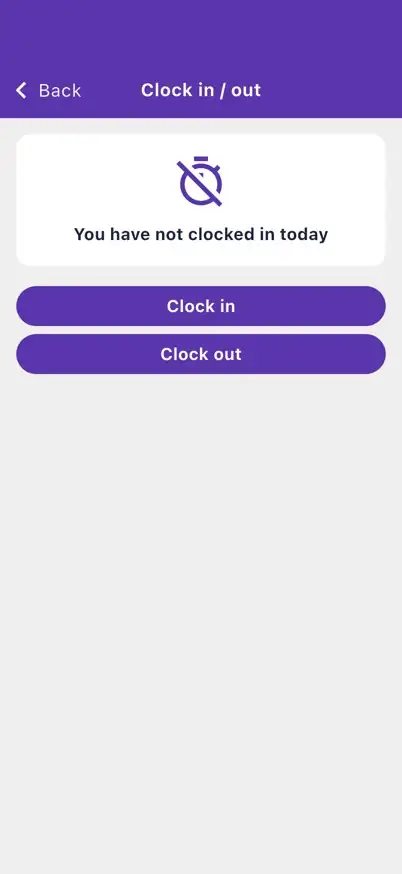
Online store orders, leave, attendance and clock in or out, warehouses, roles and permissions, company settings, a read-only view of your subscription, English or Spanish, and dark mode.
Recently loaded lists and the dashboard appear right away at launch, and new records that cannot be sent wait in a retry queue.
Optional biometric lock, two-factor authentication with an authenticator app and backup codes, per-device sessions, secure token storage, HTTPS only, and in-app account deletion.
Not yet. The store buttons on this page show Coming soon until the listings are published; use the notify link to hear when that happens.
No. The app signs in to the same account as the web app, with the same data, warehouses and roles.
The app covers daily work: sales, purchases, payments, expenses, products, contacts, reports, online orders, attendance and settings. Some web-only screens, such as storefront setup and subscription management, are not part of it.
Not fully. It needs a connection for live data, but recently loaded lists and the dashboard show at launch, and records you create while offline wait in a queue to be retried.
The connection must use HTTPS and the sign-in token is kept in the device secure storage (Keychain or Keystore). Every phone is its own session that you can review and sign out under Active devices, you can enable two-factor authentication in the app, you can add a biometric lock, and you can delete your account from the app.
No question matches. Try another word or write to us. Talk to us

Set up your products, take your first sale and see the report the same day.
No permanent free plan: pick a plan when you are ready.